Qwen Image 3.0 AI Image Generator
Turn long, complex prompts into lifelike visuals with the free Qwen Image 3.0 AI Image Generator. Crisp tiny text, 12 languages, ready in seconds.
Feedback
freeTrialImage.bannerPity
freeTrialImage.upgradeUnlock
- ✓freeTrialImage.benefitHd
- ✓freeTrialImage.benefitWatermark
- ✓freeTrialImage.benefitUnlimited
AI Tools
Explore AI tools


The Qwen Image 3.0 AI Image Generator: Density, Detail, and Depth
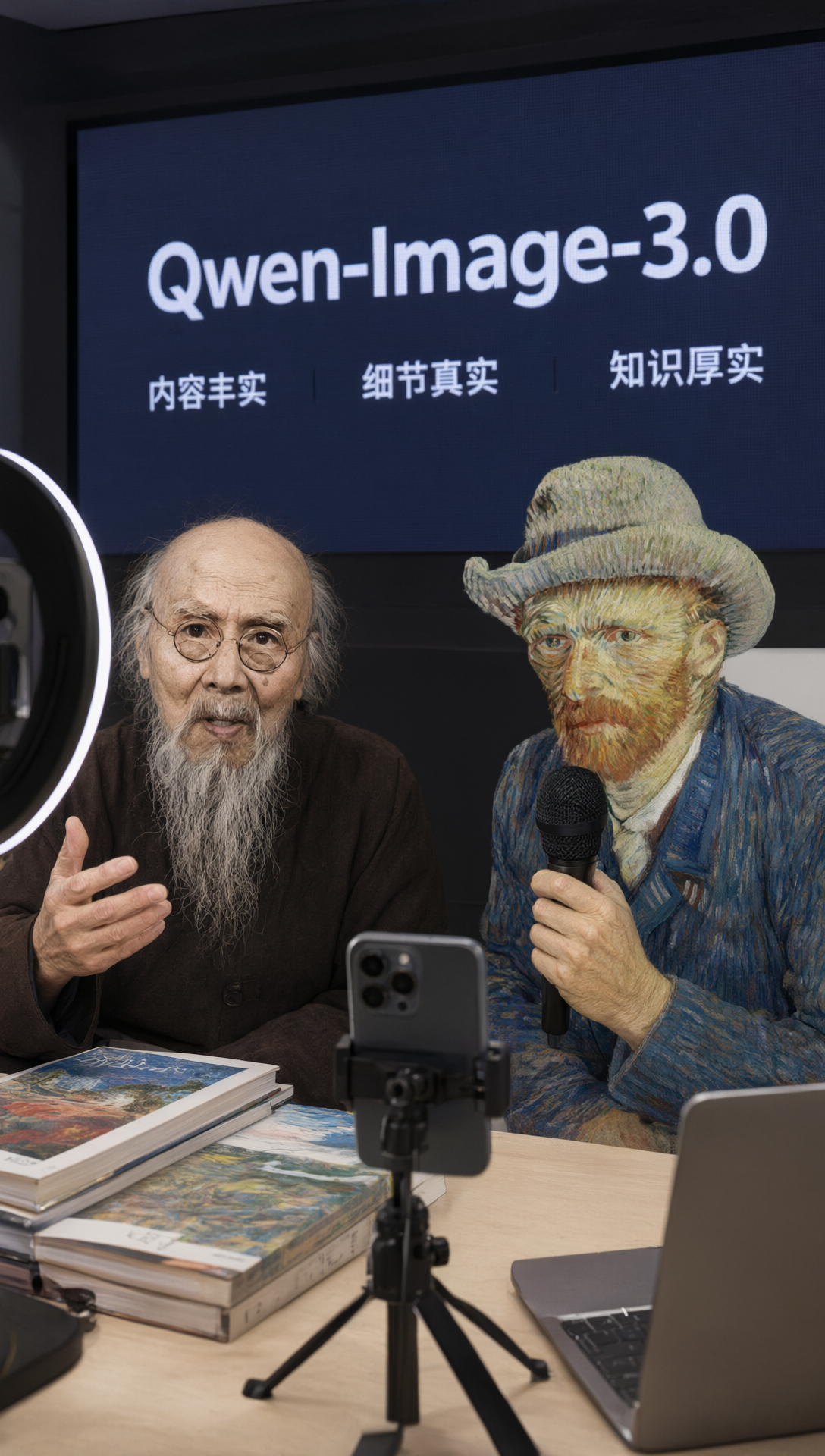
Alibaba's newest foundation model is engineered for output you can actually use — crowded layouts stay readable, fine print stays crisp, and scenes carry genuine global context.
- Content-Rich FramesFeed it long, layered instructions — up to 4,500 tokens — and every element of a busy composition stays exactly where it belongs.
- Pixel-Level SharpnessEven the smallest labels stay legible, down to 10px, while skin, hair, and fabric carry true-to-life texture.
- Real-World ContextWrites and draws in 12 languages, moves through 100+ visual styles, and recreates web pages, game screens, and livestream interfaces convincingly.
Getting Started with the Qwen Image 3.0 AI Image Generator
Go from a blank prompt to a finished visual in three quick moves — no design background required.
Qwen Image 3.0 AI Image Generator — Common Questions
Everything you want to know about this Qwen Image 3.0 AI Image Generator before you start creating.
What is Qwen Image 3.0?
It is the third-generation base image model from Alibaba. Its guiding idea is usefulness — the output is meant to hold up in real design, publishing, and content work, not just look pretty.
What does 'Rich Content' mean?
It means you can pack a lot into one prompt — up to 4,500 tokens — so the model can produce dense layouts such as 3x3 infographic panels, full newspaper pages, or multi-layer app screens in a single pass.
How well does it render text?
Very precisely. Characters as small as 10 pixels come out sharp, and it handles stacked LaTeX formulas, math symbols, and multi-line code with subscripts, superscripts, and fractions.
How many languages does it support?
Twelve, natively — Chinese, English, Japanese, Korean, Spanish, and more — and it can switch between a range of fonts and typefaces while keeping every character accurate.
Can it simulate real-world interfaces?
Yes. It recreates believable web pages, code editors, in-game screens, and livestream interfaces, because it understands how real UI patterns are laid out.
Is it suitable for commercial use?
Definitely. It is made to be a working tool for design teams, marketers, teachers, online stores, and academic publishers who need dependable, high-fidelity images.
Start Creating with the Qwen Image 3.0 AI Image Generator
Type your prompt and get a detailed, lifelike image in moments — free, fast, and ready to download.