
Grok Video Generator — Turn prompts and photos into cinematic HD clips
Transform concise prompts or reference images into polished, production-style HD videos with Grok Video Generator. Create social clips, ads and storytelling scenes with fast previews and consistent results.
Feedback
AI Tools
Explore AI tools
MiniMax H3
MiniMax H3 AI Video Generator
Seedance 2.5
The Future of AI Video Is Here.

Seedance 2.0
The Future of AI Video Is Here.

Kling 3.0
Next-Gen AI Video Generator
Grok Video Generator
Create Videos from Text or Images with AI
MiniMax H3 video generator
MiniMax H3 AI Video Generator

Seedance 2.0
The Future of AI Video Is Here.

Kling Motion Control
Turn reference images into amazing motion videos in minutes
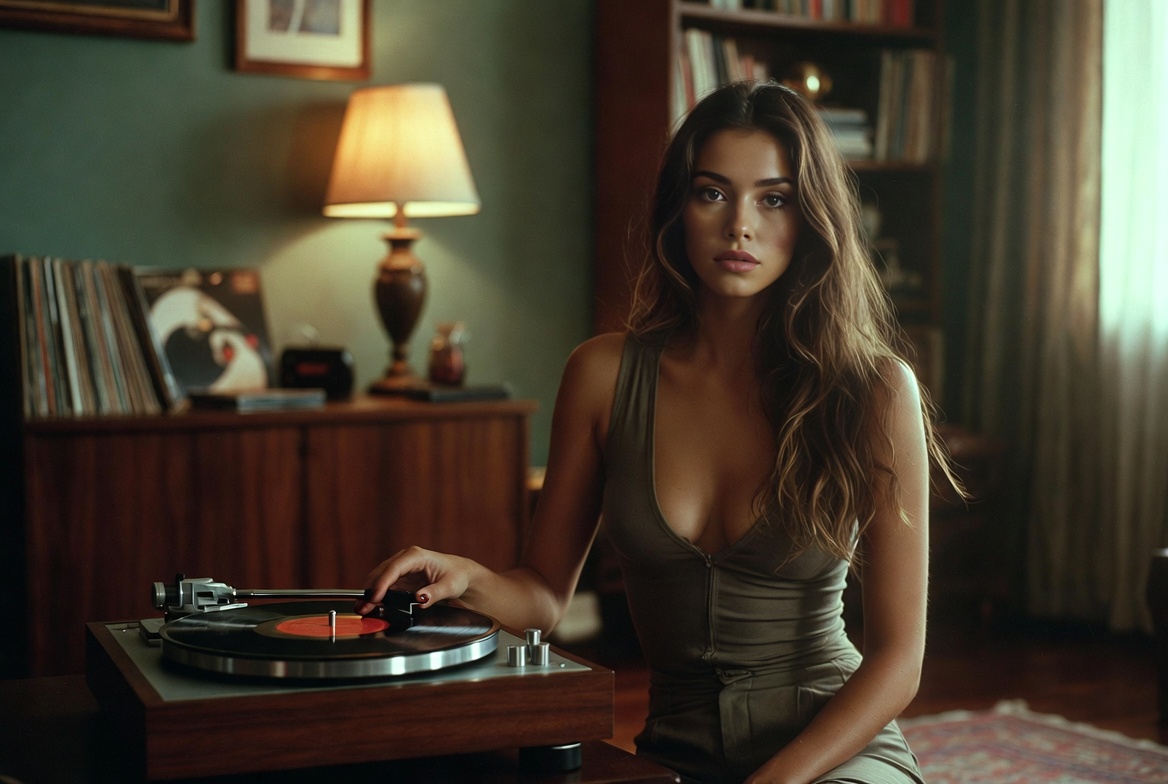
Grok Video Generator — How it helps
Grok Video Generator accelerates HD video production from short prompts or reference photos, enabling creators and teams to produce consistent, production-grade clips more quickly.
- Text-to-VideoConvert concise prompts into cinematic sequences fast using Grok Video Generator.
- Image-to-VideoTransform photos into smooth HD clips while preserving composition and subject fidelity with Grok Video Generator.
- Production QualityExport 720p–1080p MP4s optimized for social, ads and story content directly from Grok Video Generator.
Create videos with Grok Video Generator
Fast workflow: choose input, provide prompt or reference images, set output options and render a refined clip with Grok Video Generator.
What Grok Video Generator offers
Grok Video Generator delivers AI-driven tools to speed production and give creators precise control over short-form and promotional videos.
Complex Scene Support
Build multi-character, multi-shot sequences while preserving visual continuity with Grok Video Generator.
Natural Motion
Create believable camera moves and subject motion for more realistic output from Grok Video Generator.
Style Presets
Flip between cinematic, social and branded looks quickly when using Grok Video Generator.
HD Export
Export 720p–1080p MP4s optimized for sharing or editing directly from Grok Video Generator.
Fine Controls
Tweak framing, timing and motion intensity to achieve precise results with Grok Video Generator.
Rapid Iteration
Render quick previews to refine creative direction and speed up production using Grok Video Generator.
Grok Video Generator — Frequently Asked
Answers on inputs, processing time, export options and usage guidance for Grok Video Generator.
What is Grok Video Generator?
An AI tool that converts brief text prompts and reference images into HD video content using Grok Video Generator technology.
What types of videos can I create?
Produce social clips, product ads and short storytelling sequences with Grok Video Generator.
How long does generation take?
Previews typically finish in 2–3 minutes; total time varies by clip duration, model choice and current queue for Grok Video Generator.
Can I download the videos?
Yes — export MP4s after rendering. Check your plan for watermarking or licensing constraints when using Grok Video Generator outputs.
Is commercial use allowed?
Commercial rights depend on your subscription—review account terms for permitted commercial use of Grok Video Generator assets.
Which resolutions are supported?
Choose 480p, 720p or 1080p exports to fit sharing and editing needs with Grok Video Generator.
Start creating with Grok Video Generator
Produce production-ready HD videos from prompts and photos — Grok Video Generator lets you publish polished clips faster.